
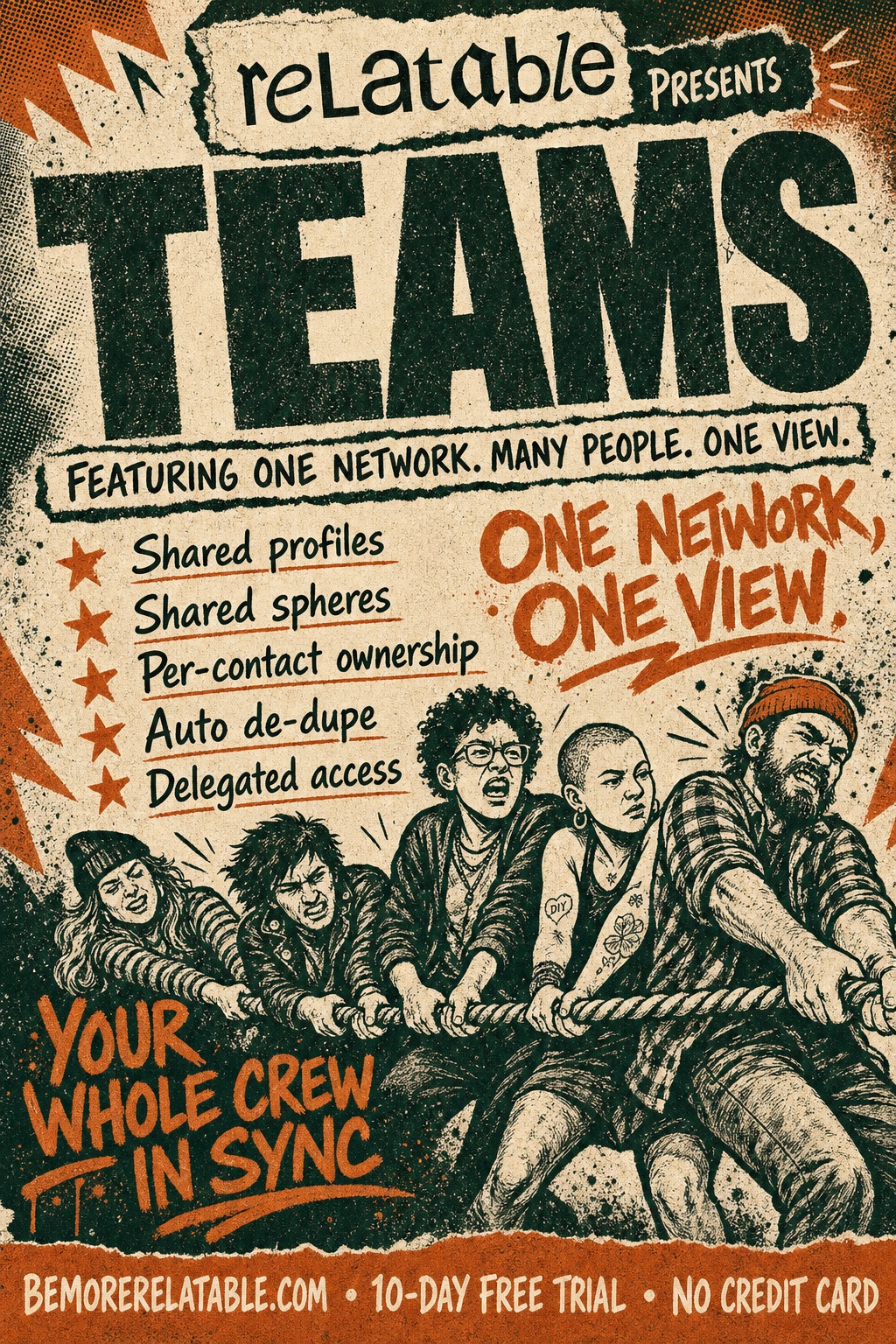
One network. Many people. One view.
Your whole team on the same relationships.
Teams in Relatable share everything that matters: profiles, Spheres, ownership, history. No more "did you email her or did I?" No more five copies of the same contact. One clean view, every member on it.
Sound familiar
The stuff that slips.
- You have no idea who on your team last spoke to a shared contact.
- Every team member has their own copy of the same person. Five versions; one real relationship.
- "This account is mine; please don't reach out" is a policy, not a product.
- Your EA manages your calendar — but not your relationships.
Step by step
How it works
Invite your team by email
Existing users join instantly; new users join when they sign up.
Every inbox, calendar, and contact list contributes
The team sees a unified picture of every shared relationship — not five parallel ones.
Assign owners, share Spheres, move cards together
You're working as one team, not five overlapping ones.
What it does
What Teams does
Shared profiles
Every team member sees the same profile for a shared contact — notes, interactions, events, reminders, labels. No parallel versions.
Shared Spheres
Share any Sphere with the team in read or write mode. On shared Stage Spheres, any member can drag contacts between columns.
Per-contact ownership
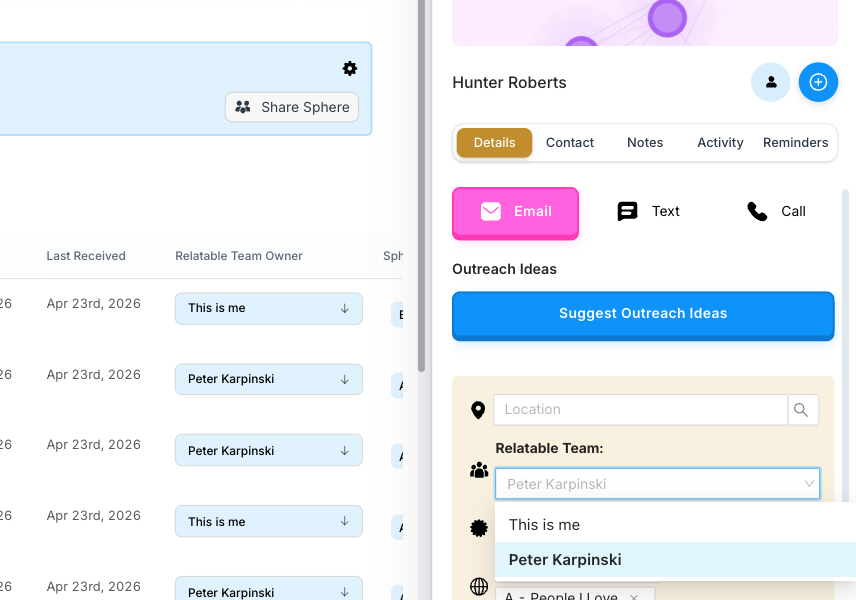
Assign each contact to a specific team member. Everyone knows who's on point; no one double-reaches-out.
Cross-member engagement
See when anyone on the team last spoke to a shared contact. Never send a redundant message again.
Automatic de-duplication
When multiple team members know the same person, Relatable resolves them to one canonical identity. One contact, not five.
Delegated access for EAs
Grant an executive assistant or consultant the ability to manage your Relatable account without sharing a password, via a clean account switcher.
In the wild
How people use Teams
The fine print
Frequently asked questions
Does 'shared' mean everyone sees everything?
No. By default, a team member's contacts are personal. You explicitly share Spheres, profiles, or ownership. Anything not shared stays personal.
How do you handle the same contact across multiple members' inboxes?
Automatic de-duplication. When Alice's email lands in two members' inboxes, Relatable resolves them to a single identity and shows a unified history on the shared profile.
What's the difference between Teams and Delegated Access?
Teams is a multi-member workspace; everyone has their own view with shared visibility. Delegated Access is one person acting on behalf of another — an EA managing their exec's account. You can use both together.
Can I remove someone from the team?
Yes. Team ownerships are cleaned up on departure; individual billing is restored if the team is on a team plan.
Can I see who on my team last spoke to a contact?
Yes. Every shared contact shows the most recent interaction across the whole team, with the team member's name.
Your network, amplified
Your network is your edge.
Start your free trial and see how Teams works on your own relationships.