
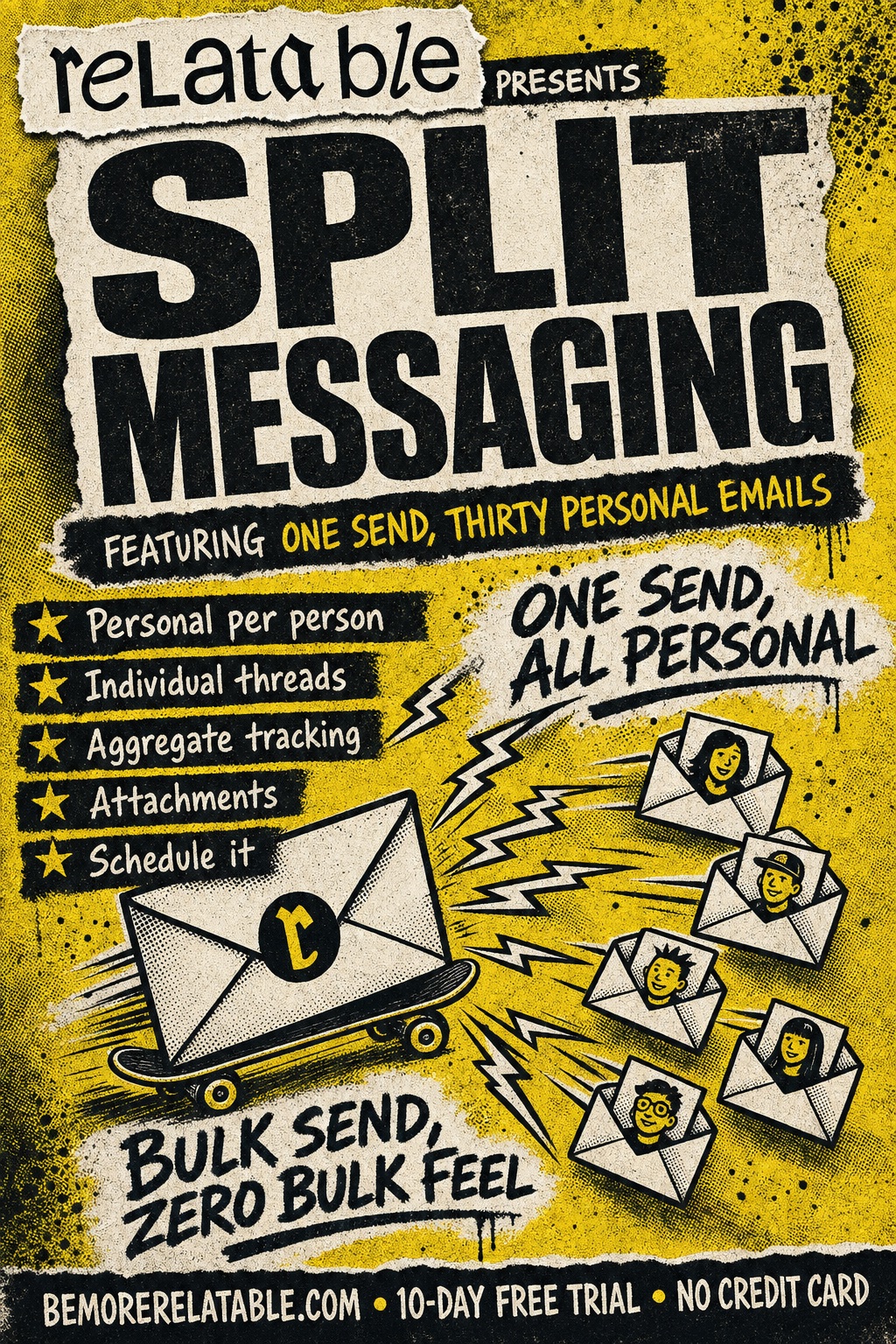
One send, thirty personal emails
Bulk send, without the bulk feel.
Write once. Relatable fans it out to thirty different threads — each with its own subject, its own personalization, its own tracking. Recipients see a one-to-one email. You send one email.
Sound familiar
The stuff that slips.
- Mass emails feel like mass emails — no matter how many first names you sprinkle in.
- You want to reach out to 30 people this week. Writing 30 emails takes a day.
- A bcc goes out looking like spam. A merge tool in your inbox can't read your Relatable network.
Step by step
How it works
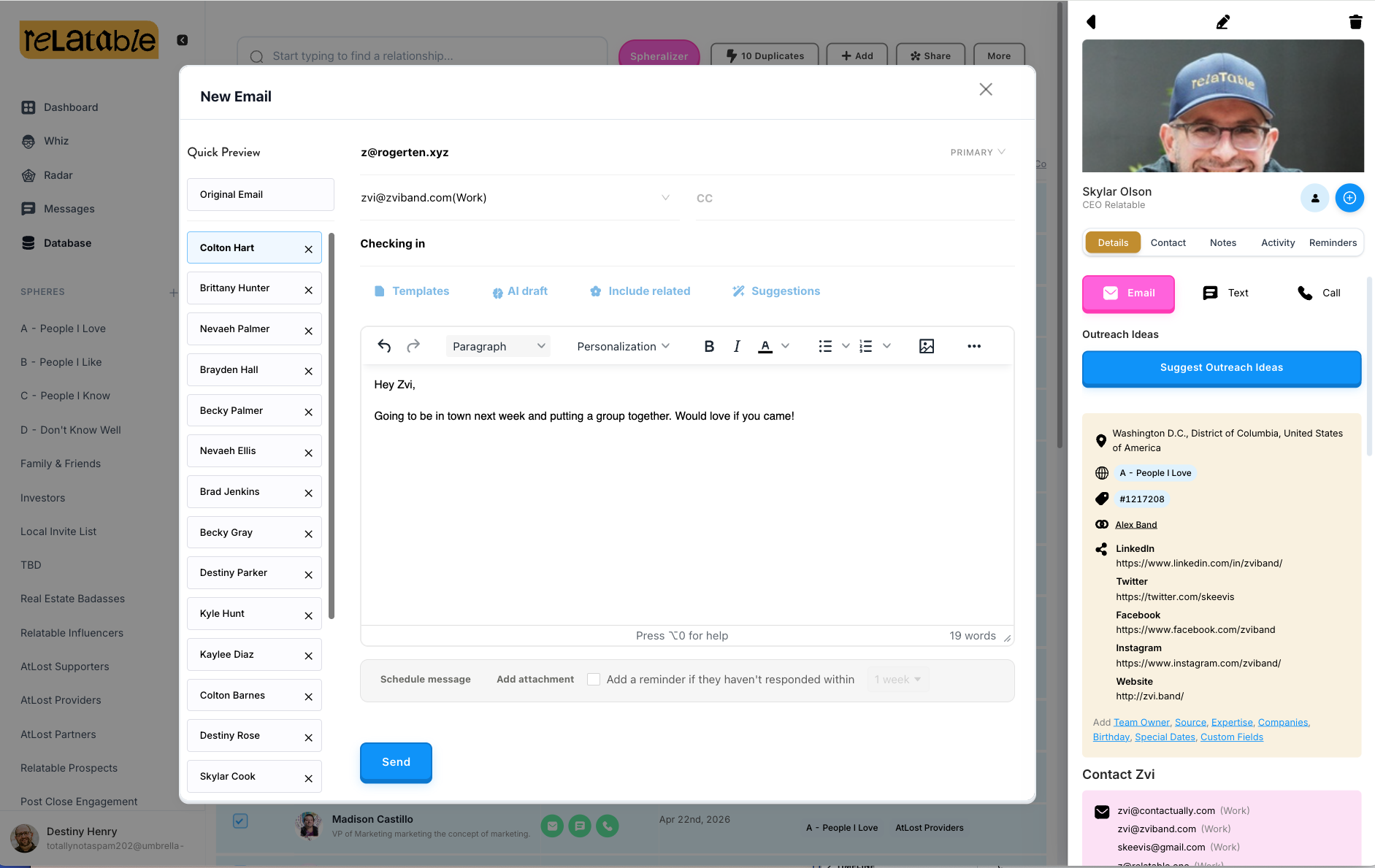
Compose the message once
Write the base, pick your list. Template, variables, attachments — as much or as little as you want.
Personalize per recipient
Variables like {{ first_name }} and {{ company }} substitute at send time. Or override per person.
Send — or schedule
One command; thirty independent threads. Each recipient sees only their own.
What it does
What Split Messaging does
Per-recipient personalization
Variables or manual overrides per person. Every recipient sees a message written for them.
Individual threads for everyone
Each person gets their own thread. Responses go to you, not a reply-all disaster.
Aggregate tracking
Open rate across the send, plus per-recipient drill-down. See who saw it, who didn't.
Attachments
One upload, attached to every recipient's email.
Schedule it
Write Sunday night; Relatable delivers throughout the week.
Reminder-aware
Sending to someone with a pending reminder auto-clears it — same as a normal send.
In the wild
How people use Split Messaging
See Split Messaging for yourself.
Start a free trial and use Split Messaging on your own network.
Get Started FreeThe fine print
Frequently asked questions
Is this different from mail merge?
Yes. Mail merge usually runs through Gmail or a plugin and sends from one user. Split messaging is native to Relatable — every recipient gets their own Relatable-tracked thread, with per-person tracking and open data.
Can recipients see each other?
No. It's not a bcc; it's thirty distinct sends. Recipients only see their own email.
Can I use it with a Flow Sphere?
Flow Spheres use templates for each step as contacts flow through; split messaging is for one-off personalized sends to a list. Use the right tool for the moment.
Can I schedule a split send?
Yes. Pick a future time; Relatable delivers at the scheduled moment. You can edit or cancel anytime before send.
Is there a recipient limit?
Practical limits apply based on your email provider — Gmail and Outlook both cap daily send volume. Relatable stays within those caps and spaces sends if needed.
Your network, amplified
Your network is your edge.
Start your free trial and see how Split Messaging works on your own relationships.